Nirav
·
·
5 min
What Should a Good Digital Menu Be Like?
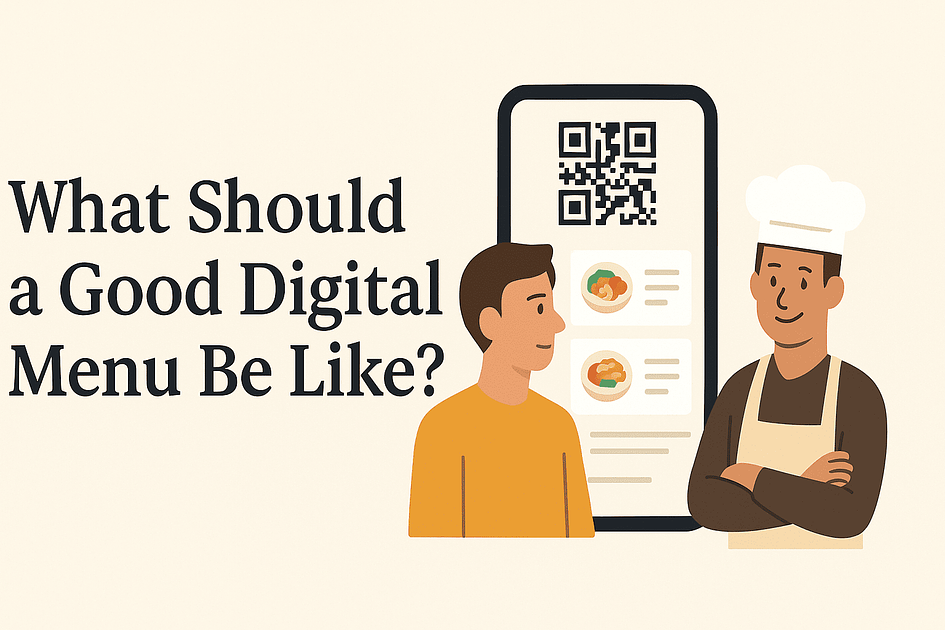
While building The Lazy Potato, I realised something simple. A digital menu is not a tech feature. It is a bridge between the customer and the restaurant. And because customers use it, it should be designed for them first, not for software convenience or industry jargon.
If you read my earlier post, Why I’m Building a QR Code Menu App in 2025, that one was mostly about why digital menus exist in the first place. This post picks up from there. Now I want to focus on what a good digital menu should actually feel like when someone scans that QR code and opens it.
This is not an expert guide. It is simply what I have learned so far while building a menu app as an outsider to the restaurant world.
From the Customer’s Point of View
People still prefer paper menus
Let us start with honesty. Most people, including me, still prefer a paper menu. It feels natural and familiar. Opening a QR code menu on your phone feels like an extra step, and many of us resist it without a clear reason.
Yet digital menus continue to stay popular because they solve problems paper menus simply cannot. They make things easier for both customers and restaurants. But for this to work, they must get some basics right.
Show the actual food
Show the actual food
The biggest benefit of a digital menu is simple. Photos.
Customers want to see how a dish looks before ordering it. A good digital menu gives clear, real photos so people can judge portion size, ingredients, and style. It also reduces repeated questions to servers, especially new or temporary staff.
At The Lazy Potato, we added one more layer. Customers can view dishes as 3D models. It is not essential, but it helps people understand what they are ordering in a more visual way.
Provide item information
Provide item information
Digital menus give space for information that printed menus almost never include. For example: allergens, calories, protein, spice levels, and other details.
We do not auto generate this information with AI because accuracy matters. But a digital menu at least gives restaurant owners a place to add it if they want to. Allergen information in particular can prevent incidents.
Language support
Many customers do not read the language used in a restaurant's printed menu. With digital menus, most browsers allow instant translation. This removes a major barrier, especially in tourist areas or multicultural cities.
Fast and easy to read
Language support
Many customers do not read the language used in a restaurant's printed menu. With digital menus, most browsers allow instant translation. This removes a major barrier, especially in tourist areas or multicultural cities.
Fast and easy to read
This is where many digital menus fail.
A good digital menu should load quickly even on bad internet. Restaurants are crowded during peak hours and mobile data becomes unreliable. Menus must still work. There should be no pinching or zooming, no horizontal scrolling, and no PDF downloads. Everything should fit the screen naturally.
Optional conveniences
Optional conveniences
Some digital menus also allow ordering from the table or requesting the bill. These can make the experience smoother. We do not offer these yet, but they are common expectations and we keep them in mind for the future.
From the Restaurant Owner’s Perspective
No printing or reprinting
Owners naturally like digital menus because they eliminate a lot of physical work.
No printing, laminating, wiping stains, or apologising because an item is no longer available. No seasonal reprints or staff training just to explain menu items repeatedly. A digital menu simply needs to work and be easy to update.
Setup used to be a pain, but we solved it
No printing, laminating, wiping stains, or apologising because an item is no longer available. No seasonal reprints or staff training just to explain menu items repeatedly. A digital menu simply needs to work and be easy to update.
Setup used to be a pain, but we solved it
In the early days, we noticed that owners struggled with the initial setup. Uploading items, typing descriptions, fixing formatting. It felt like work, and most owners do not have the time for that.
So we designed an easier process.
At The Lazy Potato, you can upload your existing menu photos or PDFs and let the app extract everything automatically. Categories, items, prices, and descriptions get created instantly. Most people finish setup in under two minutes. Going live takes about five minutes from downloading the app.
You still need to print QR codes and place them on tables. We cannot automate that part yet, but everything else is handled.
Improve the menu over time
Improve the menu over time
Once the menu is live, owners can upgrade it whenever they want. They can add photos, nutritional information, or 3D views of dishes. These are optional paid features, but they help restaurants polish the customer experience when they are ready.
Manage multiple stores easily
Manage multiple stores easily
If you run more than one location, you can manage all stores from a single account without switching or creating new logins.
So what should a good digital menu be like?
A good digital menu should feel natural for the customer and practical for the owner. It should not pretend to replace the dining experience or feel like yet another piece of technology people are forced to use. Instead, it should quietly support everything the restaurant is already trying to do.
If it helps customers understand the food better, and helps owners run their place with a little less chaos, that is enough. A digital menu does not need to be fancy. It only needs to make everyday things simpler. And when it does that well, most people hardly notice the technology behind it. They just enjoy their meal, which is exactly the point.
Bon appetit.
Bon appetit.